TristamTech
Disclaimer: This repository documents the architecture and problem-solving approach behind systems independently designed and built by the author. It contains no proprietary source code, API keys, credentials, employer branding, or real user/organizational data. Screenshots are illustrative proof-of-concept only. Systems built using employer infrastructure (Jamf Pro) are documented here as a record of skill and handover-ready design, not a claim of personal ownership over the deployed instance.
📶 Native Network Speedtest — Zero-Dependency Bandwidth Diagnostic
Wraps Apple’s own networkQuality binary in a branded UI — no third-party
CLI, no external server dependency beyond Apple’s own infrastructure.
| 📦 External Dependencies | ⏱️ Auto-Kill Timer | 🖥️ OS Requirement |
|---|---|---|
| 0 | 60 sec | Monterey+ |
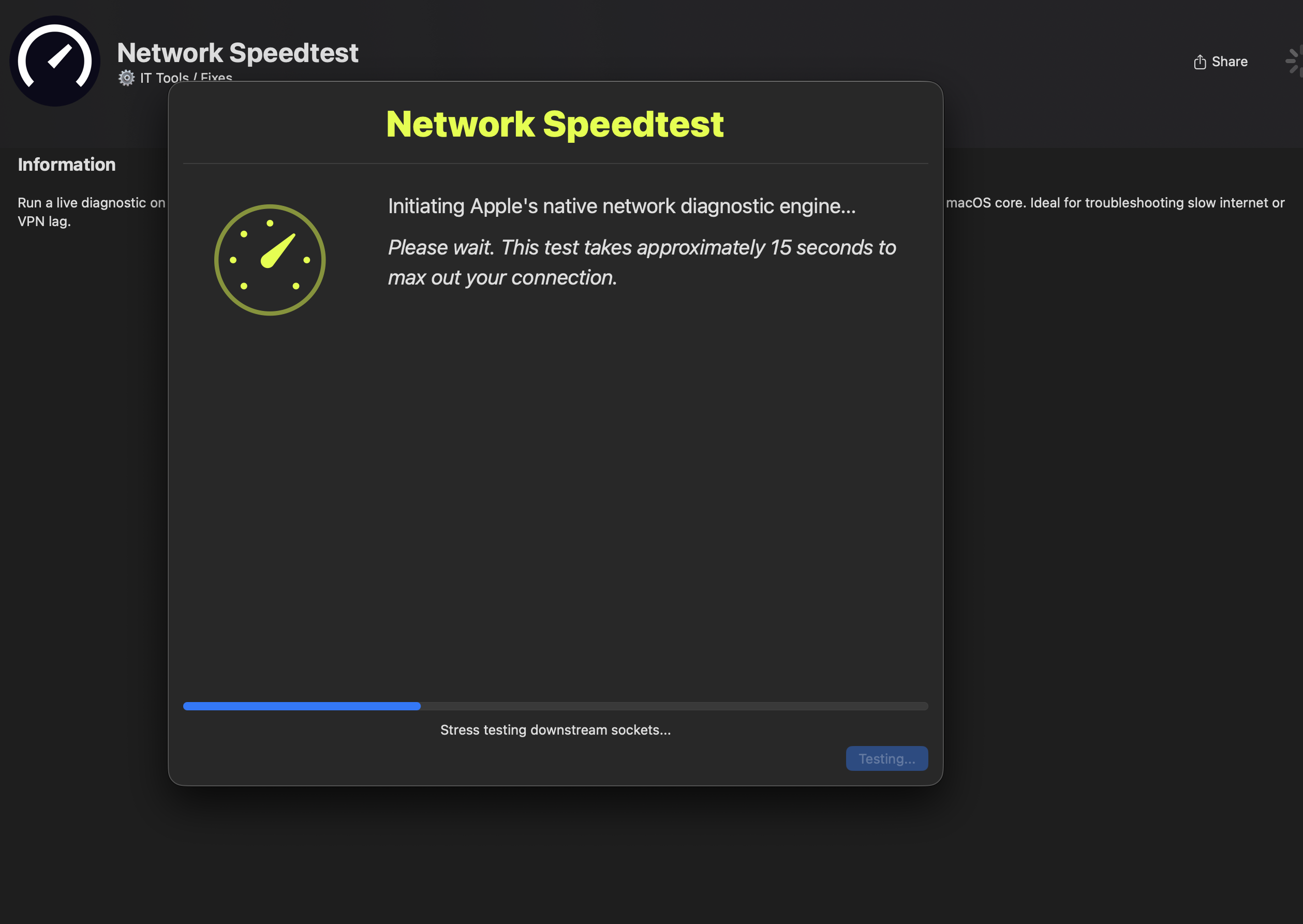
📖 Executive Summary
One click, one native macOS binary, one branded progress UI. No install, no account, no third-party server round-trip beyond what Apple’s own test already requires.
🏗️ Why networkQuality Over Ookla/CLI Tools
- Zero install footprint — already present on every modern Mac
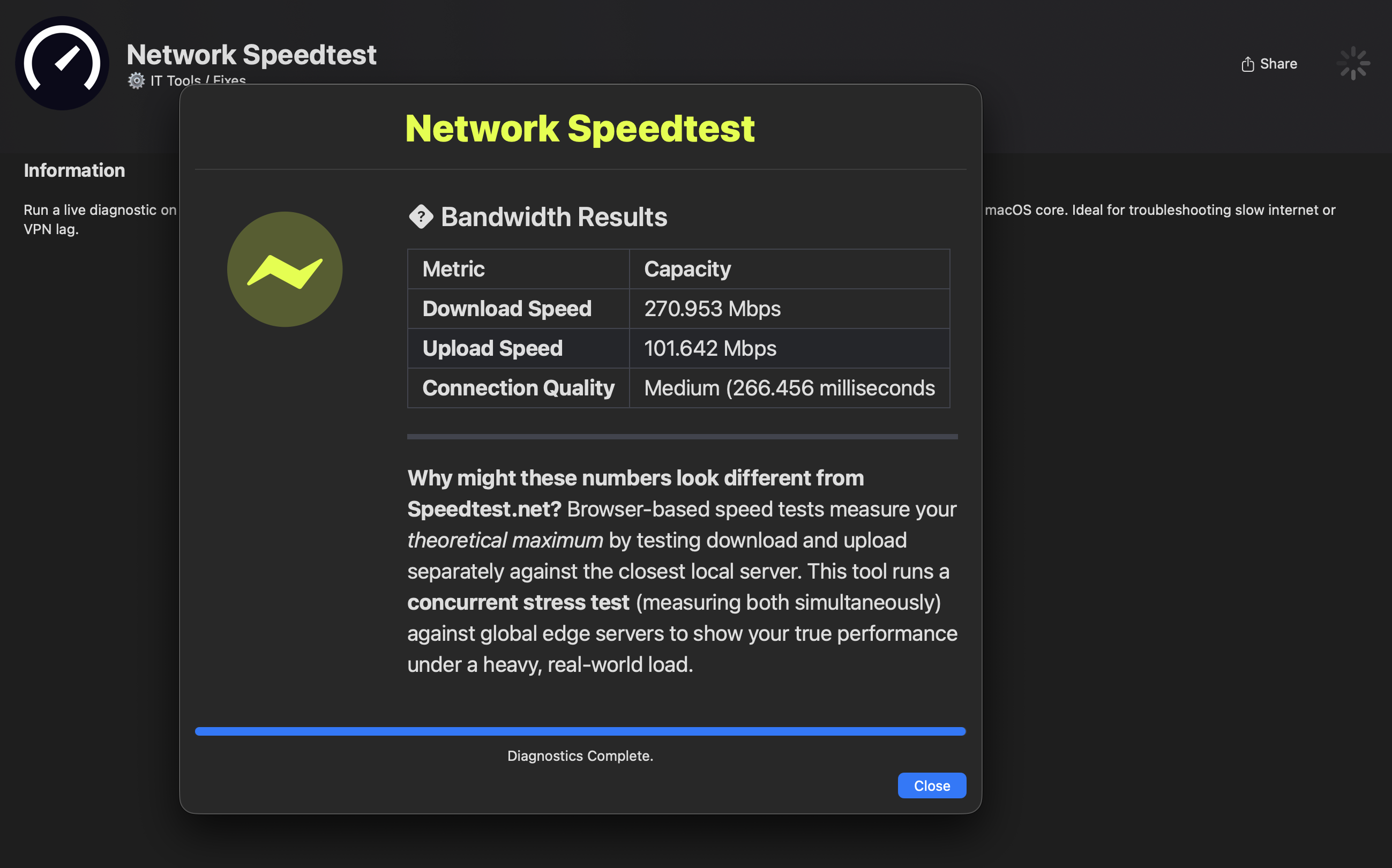
- Tests concurrent up/down load (closer to real-world stress) rather than Ookla’s sequential model — a deliberate tradeoff the UI explains inline, since raw numbers differ from consumer speedtest sites and were generating confused tickets before the explanation was added
⏱️ The “Fake but Honest” Progress Bar
networkQuality gives no live progress feed — it’s a black box until it
returns. Rather than leave users staring at a frozen 0%, the test runs in the
background while a loop tracks the actual running process, not just
cosmetic timing:
networkQuality > /tmp/speedtest_output.txt &
nqPID=$!
currentProgress=5
while kill -0 $nqPID 2>/dev/null; do
    ((currentProgress++))
    echo "progress: $currentProgress" >> "$commandFile"
    sleep 0.3
done
Dead ends that shaped the final design:
| Problem | What broke | Fix |
|---|---|---|
| Apple renamed a metric mid-OS-cycle | Download capacity → Downlink capacity, breaking the parser |
Extended regex matches either label, OS-version-agnostic |
| Test window could get buried behind other apps | Silent orphaned process | --ontop + 60-second auto-kill safety timer |
🛠️ Tech Stack
SwiftDialog · bash · native macOS networkQuality
📂 Repository Structure
network-speedtest/
├── README.md
├── screenshots/
│   ├── Speedtest_Progress.png
│   └── Speedtest_Complete.png
└── scripts/
    └── network_speedtest.sh