TristamTech
Disclaimer: This repository documents the architecture and problem-solving approach behind systems independently designed and built by the author. It contains no proprietary source code, API keys, credentials, employer branding, or real user/organizational data. Screenshots are illustrative proof-of-concept only. Systems built using employer infrastructure (Jamf Pro) are documented here as a record of skill and handover-ready design, not a claim of personal ownership over the deployed instance.
⚡ Jamf Self Service — Quick-Fix Utility Library
Single-purpose, instantly-triggerable tools targeting the highest-frequency, lowest-complexity support tickets — built so users can self-resolve without a ticket ever being opened.
| 🔧 Tools | 🕐 Avg. Resolution Time | 🎫 Ticket Deflection |
|---|---|---|
| 4 | < 2 min | High-frequency, low-complexity |
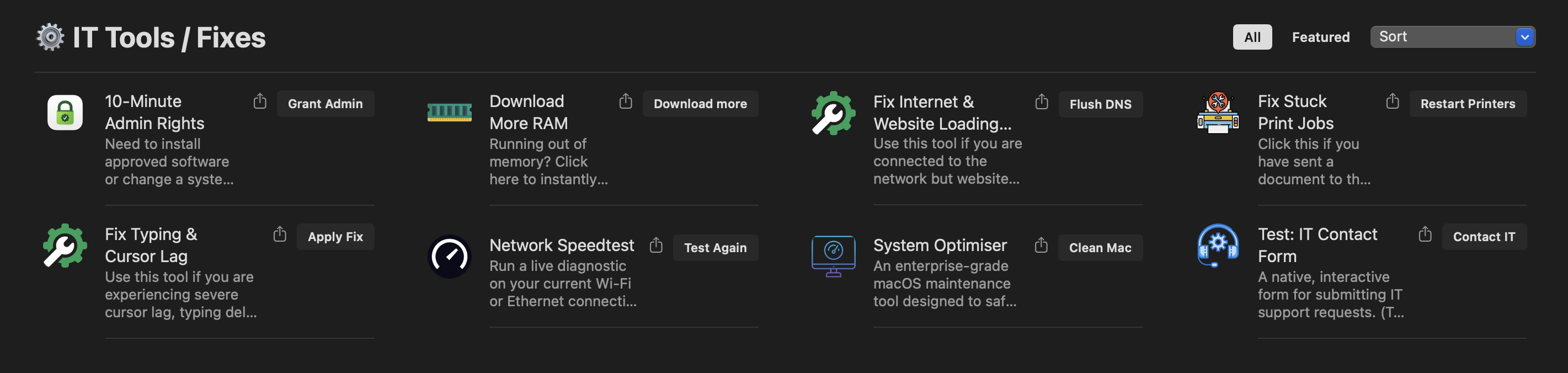
1️⃣ Temporary Admin Elevation (SAP Privileges)
Deployed via Jamf Composer, which wraps the GitHub-distributed
Privileges.app (a .zip/.app with no native .pkg) into a
Jamf-deployable installer.
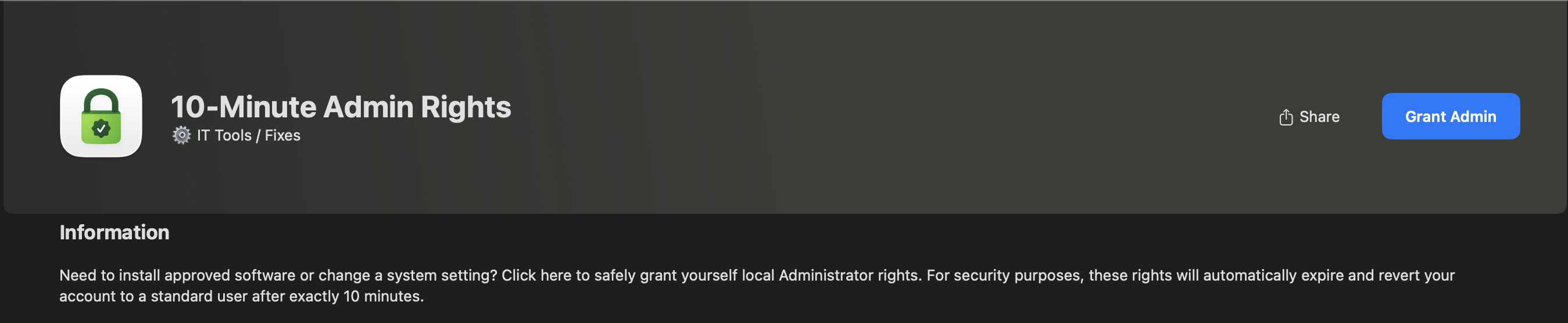
Enforcement layer — Configuration Profile (Computer Level, Application &
Custom Settings, domain corp.sap.privileges):
<?xml version="1.0" encoding="UTF-8"?>
<!DOCTYPE plist PUBLIC "-//Apple//DTD PLIST 1.0//EN" "http://www.apple.com/DTDs/PropertyList-1.0.dtd">
<plist version="1.0">
<dict>
    <key>ExpirationInterval</key>
    <integer>10</integer>
    <key>ReasonRequired</key>
    <true/>
</dict>
</plist>
This enforces a hard 10-minute elevation window and mandates a justification before rights are granted — both enforced at the OS preference layer, not inside a script, so neither can be bypassed by killing the app.
Deployment model — deliberately not global. This is an on-demand policy: when a ticket requires elevation, IT scopes the specific Mac to the policy, the user clicks “Grant Admin” in Self Service, and the app is delivered only to that machine, only for that instance. No fleet-wide standing privilege.
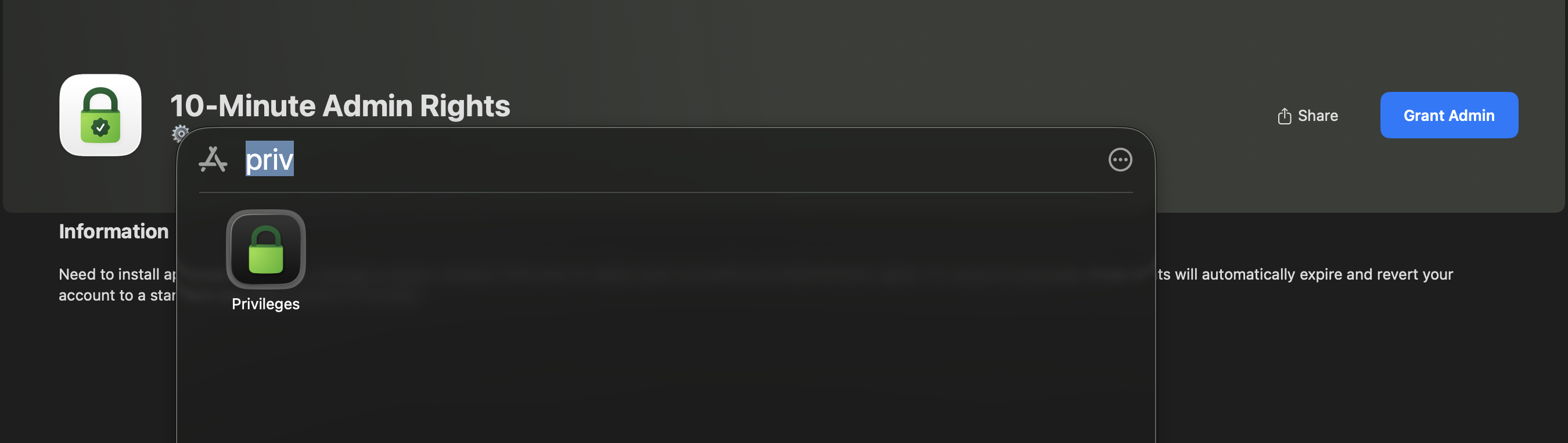
🗺️ V2 Roadmap — Audit Logging & Security Hardening
Current state grants elevation with a reason required but not captured — the OS enforces the prompt, but nothing downstream logs what was typed. The planned V2 architecture closes that gap:
User clicks "Grant Admin" in Self Service
        │
        ▼
Pre-flight bash wrapper (replaces direct Privileges.app launch)
        │
        ├──▶ SwiftDialog prompt: capture justification text
        │
        ├──▶ Build JSON payload:
        │     { "user": "$loggedInUser", "computer": "$computerName",
        │       "reason": "$justificationText", "timestamp": "$(date)" }
        │
        ├──▶ POST to Slack Webhook — real-time IT audit channel
        │
        ▼
Only on successful POST → launch Privileges.app --add
This closes the loop between “the OS required a reason” and “IT actually has a searchable record of every elevation and why it was requested” — currently the single biggest gap between this tool and an enterprise PAM product.
2️⃣ Cursor / Typing Lag Fix (Apple Silicon known issue)
Targets a documented Apple bug where CursorUIViewService leaks memory on
Apple Silicon Macs (notably alongside Microsoft Office apps), causing typing
lag.
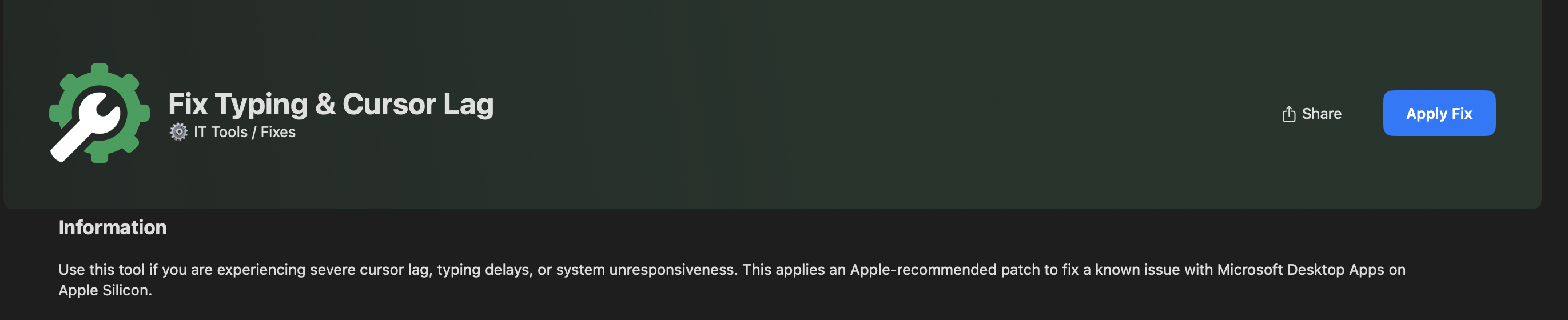
#!/bin/bash
defaults write /Library/Preferences/FeatureFlags/Domain/UIKit.plist \
  redesigned_text_cursor -dict-add Enabled -NO
killall CursorUIViewService 2>/dev/null
echo "Cursor lag fix successfully applied."
exit 0
No reboot required — the service restarts immediately with the new flag.
3️⃣ Print Spooler Clearer (CUPS reset)
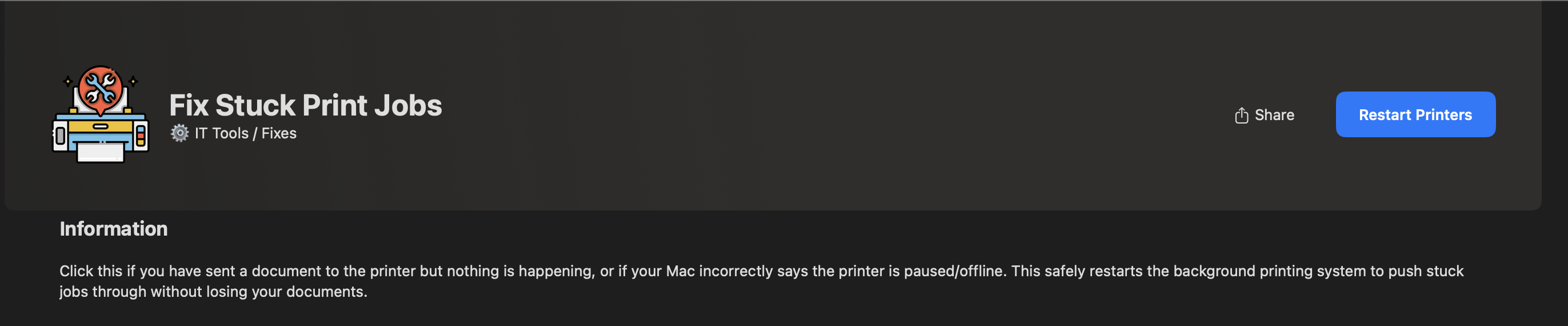
#!/bin/bash
sudo launchctl stop org.cups.cupsd
sudo launchctl start org.cups.cupsd
echo "Print spooler service (CUPS) has been restarted."
exit 0
Deliberately a service restart, not a queue wipe — preserves legitimately pending jobs while clearing the hung state.
4️⃣ DNS Cache Flush / Connectivity Fix
Clears the local DNS cache and restarts mDNSResponder. Resolves local
network lookup issues, stale intranet pages, and general web connectivity
glitches without requiring a reboot — the single most common “internet is
broken” ticket resolved in one click.
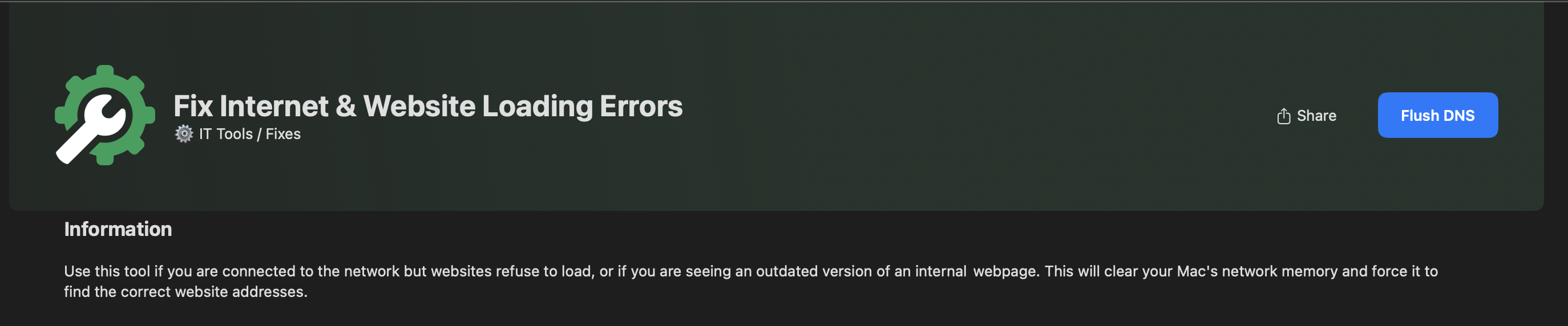
#!/bin/bash
# Flushes the macOS DNS cache to resolve stale web/network routing
sudo dscacheutil -flushcache
# Restarts the mDNSResponder service to apply the flush immediately
sudo killall -HUP mDNSResponder
echo "DNS Cache successfully flushed and mDNSResponder restarted."
exit 0
Same underlying commands also appear inside the DNS/Network Reset task in 03 — System Optimiser — packaged here instead as a standalone one-click Self Service fix for when a user just needs this one thing, without running the full maintenance sweep.
🛠️ Tech Stack
bash · SAP Privileges (open-source) · Jamf Composer · Jamf Configuration Profiles · native macOS launchctl/defaults
📂 Repository Structure
quick-fix-scripts/
├── README.md
├── screenshots/
│   ├── Main_Self_Service_Menu.png
│   ├── 10_min_admin_Tool.png
│   ├── 10_min_admin_complete.png
│   ├── Cursor_Lag_Tool.png
│   ├── Print_Job_Tool.png
│   └── Fix_Internet_Tool.png
├── scripts/
│   ├── cursor_lag_fix.sh
│   ├── printer_spool_clear.sh
│   └── dns_cache_flush.sh
└── docs/
    ├── sap_privileges_profile.xml
    └── v2_audit_logging_roadmap.md